Parit
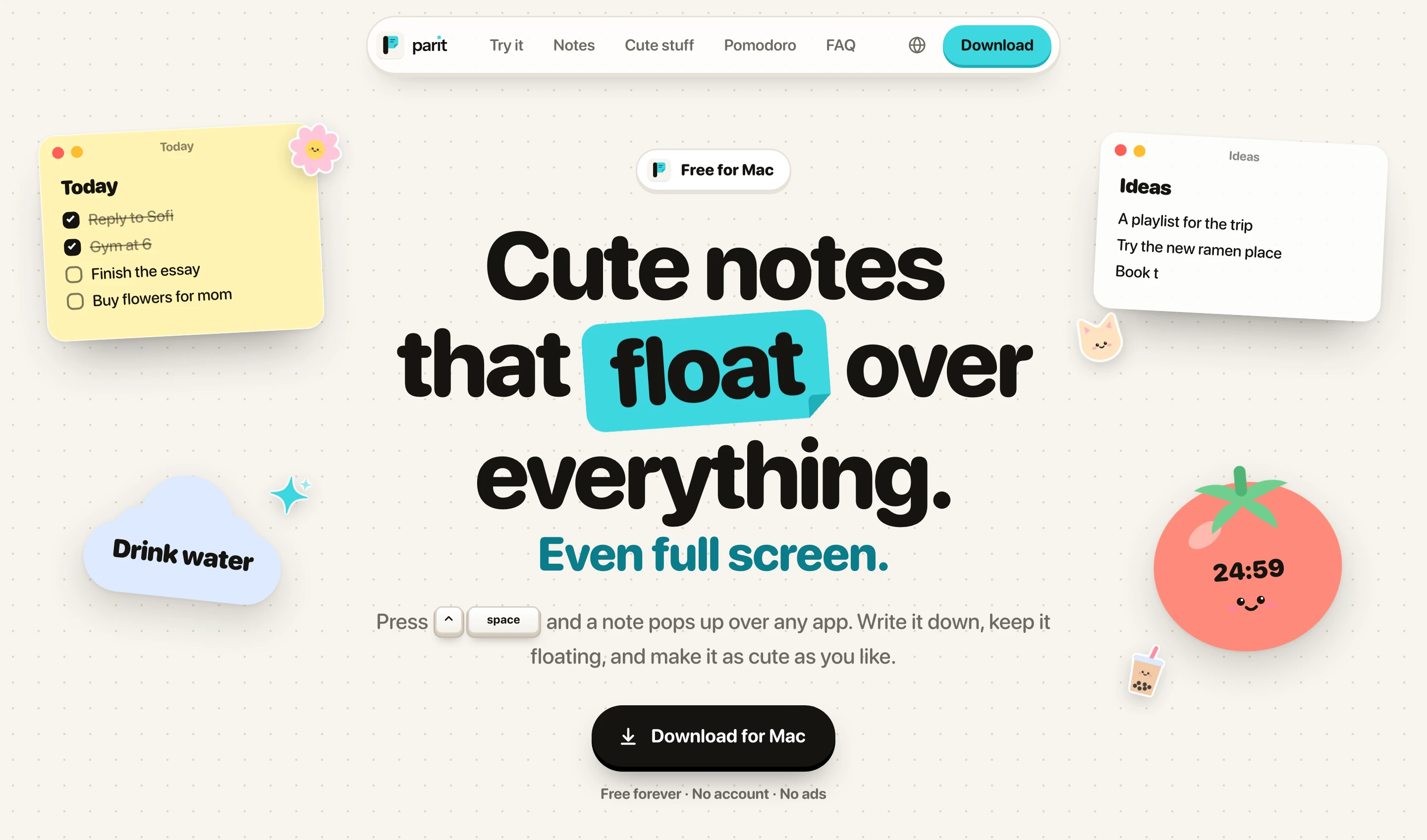
A floating notes app for Mac: press ⌃Space and a note appears over any app, even in full screen. You jot it down, keep it on top and make it as cute as you like.
- ⌃Space
- opens it from any app, without leaving what you're doing
- 33 MB
- of memory and 0% CPU while it waits in the background
- 11
- languages, in the app and on its website
The idea
Notes that show up instantly, stay on top and are fun to use.
The big note apps are complete apps: opening them pulls you out of what you're doing. And the quick floating ones limit how many notes you can keep for free.
Parit had to be instant: a shortcut, you type, you keep working, even over a full-screen class, call or presentation. With no account and no note limit. And with personality: stickers, notes shaped like clouds and hearts, and a tomato that keeps time, so people want to share it.
What I built
A native Mac app, its brand and its website, from scratch.

147 stickers
Signs, office, hobbies, food, animals and more, drawn for Parit. They hang off the edge of the note like on paper, and words and stamps are written in the user's language. With a search that forgives typos.
Formatting without Markdown
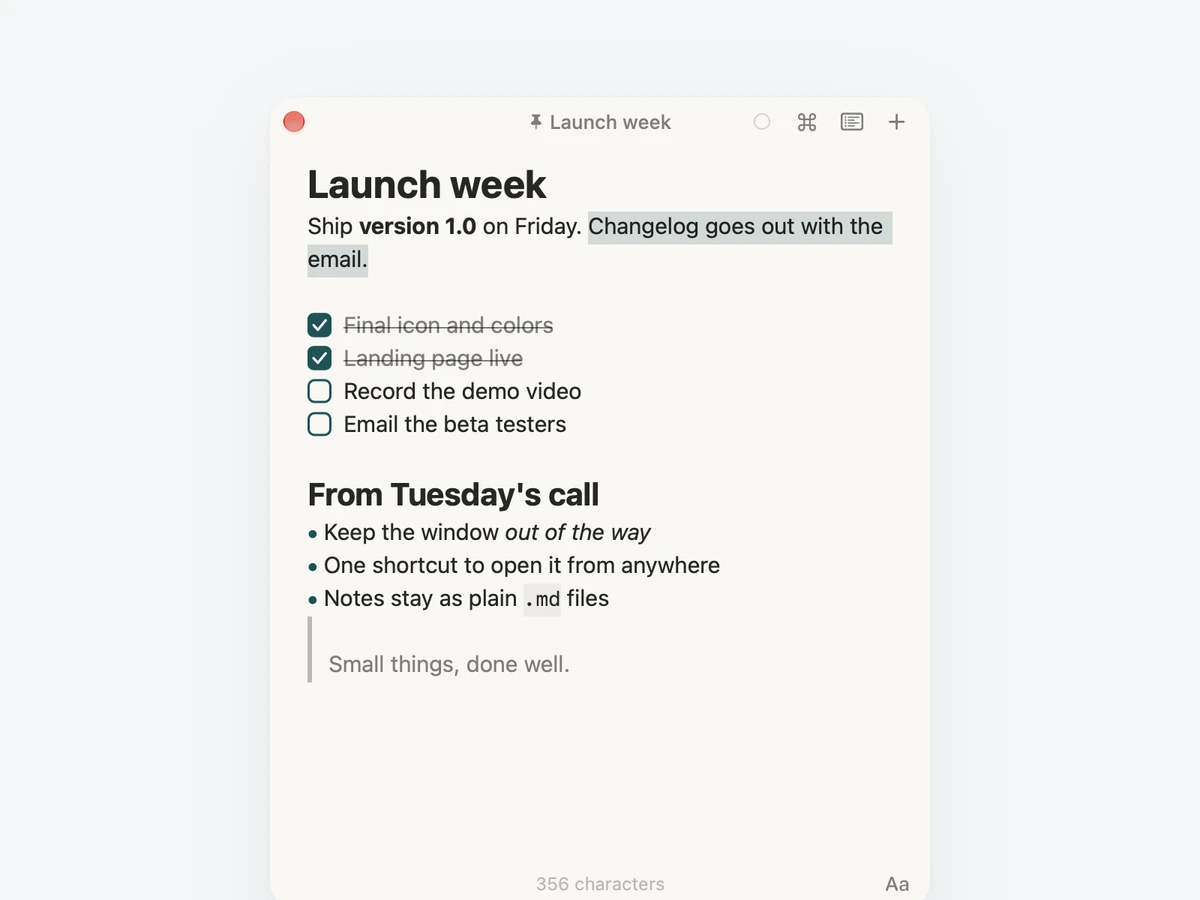
Headings, bold, highlights and checklists with ⌘B, buttons or the / menu, like in Notion. The file underneath is plain Markdown, but nobody has to know.
⌘K and ⌘P
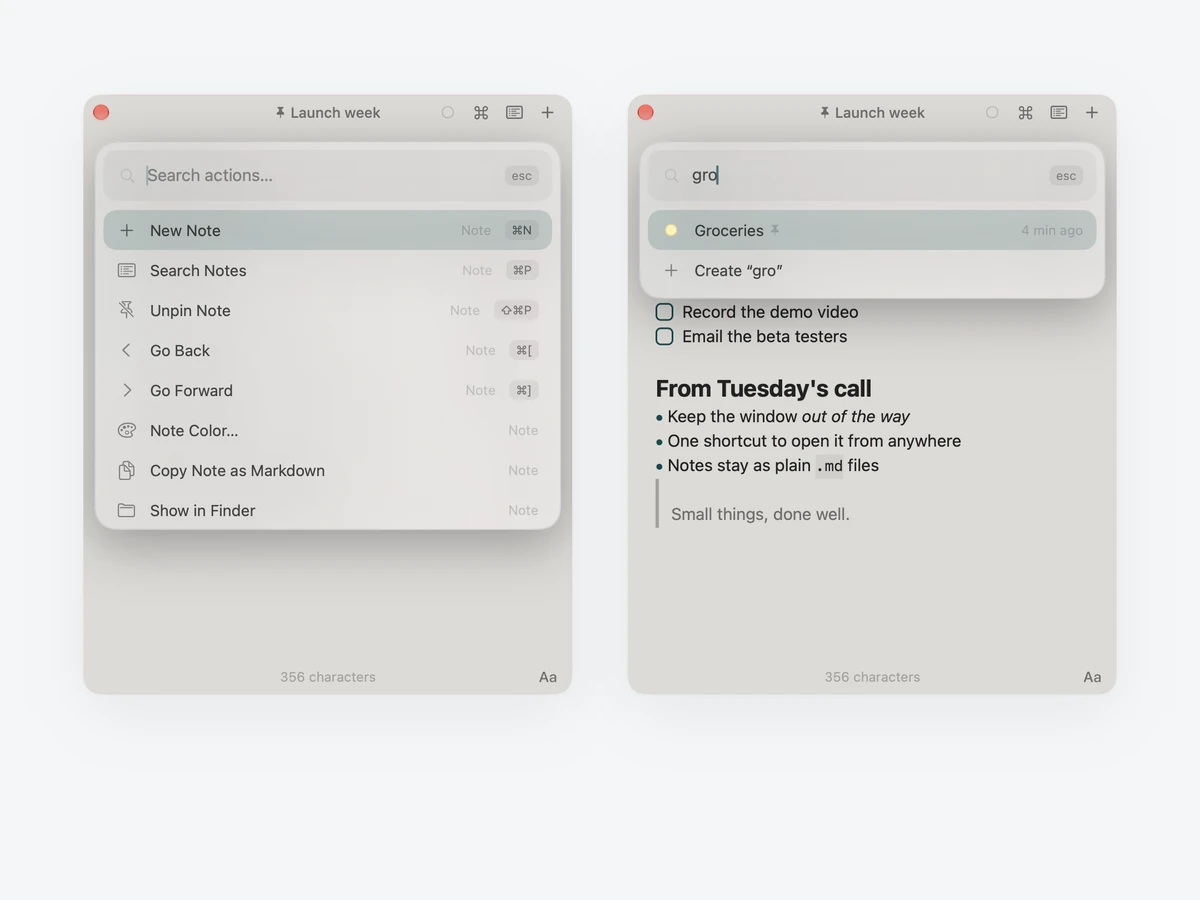
⌘K shows every action with its shortcut, and ⌘P searches notes by title and content. If nothing matches, it creates the note.
A color for each note
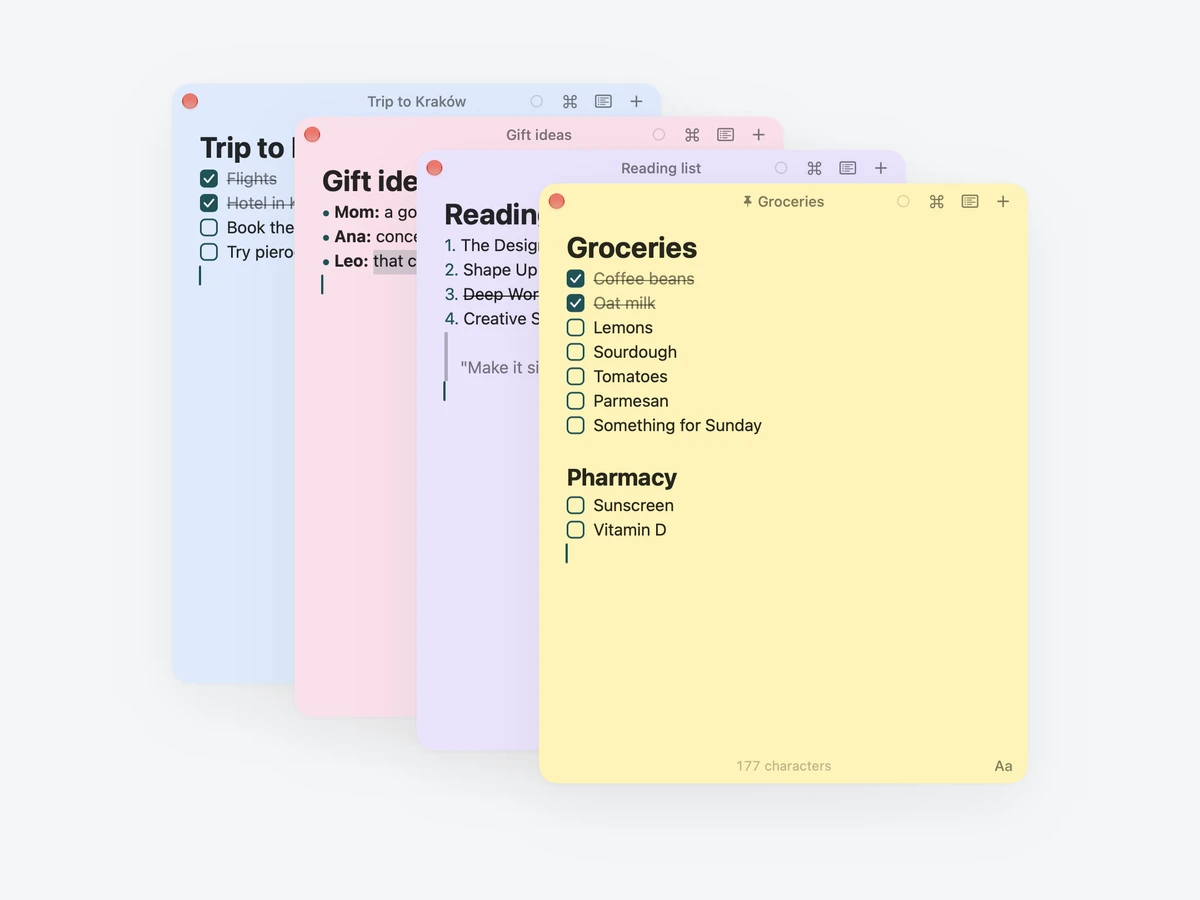
Seven backgrounds, like sticky notes, and stickies in any color, black included. The text color adjusts itself so it always reads.

Stickies and the tomato
Little notes shaped like a heart, a cloud or a star, stuck right on the screen, and a Pomodoro tomato with a face that changes as it keeps time.

Website in 11 languages
paritnotes.app, with notes you can drag around and a demo of the shortcut. It sends each visitor to their language, and the download comes from Cloudflare R2.
Design and engineering decisions
- 01
A window that floats without stealing focus
SwiftUI alone can't control a window's level or focus, so the windows are AppKit and the content is SwiftUI. Notes float over every app, on every desktop and over full-screen apps, and you type without the app you were using losing focus.
- 02
Markdown nobody sees
The editor hides the symbols without moving the text around you: I built it on TextKit 1 and draw the checkboxes, bullets and highlights myself. Copying to WhatsApp or Mail comes out clean, and pasting from the web arrives as real lists.
- 03
Notes are files, with no setup
One file per note, saved on its own with no folder to pick, and an iCloud Drive button to use them on another Mac. Parit watches the folder instead of rereading it, so changes from other apps show up right away. Notes also appear in Spotlight and in Shortcuts and Siri.
- 04
Fast with huge notes
On a 5,000-line note each keystroke went from 43 ms to 0.75 ms, and searching 1,000 notes from 148 ms to 2.4 ms per letter. Tests fail if it gets slow again.
- 05
Light, even when open all day
33 MB of memory and 0% CPU at rest: no timers, and it only follows the mouse while a note has stickers. If a note can't be saved, Parit asks before quitting instead of losing it.
- 06
Accessible and in 11 languages
Every button has a name for VoiceOver, everything works with Reduce Motion, and text contrast is measured against WCAG for every note color and accent. The app comes in 11 languages, with tests that fail if a sentence is missing.
Evolution
- Oct 2026
First version: floating window, notes on disk, editor, note colors and the test suite.
- Nov 2026
Brand and icon, .dmg installer with automatic updates, the website, floating notes, stickers, shaped stickies and the Pomodoro tomato.
- Late Nov 2026
11 languages, Shortcuts and Siri, Spotlight, iCloud Drive, measured accessibility and 147 stickers with search.
Result
A native app, free and ready to download.
Parit downloads from paritnotes.app, works on any Mac with macOS 14 or later, with Apple silicon or Intel, and updates itself. The next step is the Mac App Store.
“The app is spectacular. I had always wanted something like this: I had this problem too, and I didn't think other people did. I love it, it's everything I needed. It's literally like having a mini Notion combined with notes that I can take anywhere.”
Stack
- Swift
- macOS
- TypeScript
- Astro
- Cloudflare